Compare Comfy Cloud, managed Comfy API deployments, and self-hosting to choose how to run ComfyUI.
You can run your ComfyUI Workflows on Comfy Cloud, on your own Comfy API deployment, or on a server you manage. Comfy Cloud and Comfy API run on Comfy GPUs, so they don’t need a GPU on your computer. Pick the option that fits your Workflow, and start from its card.
Comfy Cloud
Run Workflows whose Custom Nodes and models are already on Comfy Cloud, with no build or deployment.
Custom Builds on Comfy Cloud
Run Workflows that need your own Custom Nodes and models in the Comfy Cloud editor, with a Build you create in your browser.
Comfy API
Package Custom Nodes, models, and Python dependencies into a build, and run it as an autoscaling endpoint.
Self-hosting
Run ComfyUI on a machine you manage, and serve it on your network with --listen.
To call any of these from your own code, send the Workflow in API format.
Deploy from the ComfyUI app
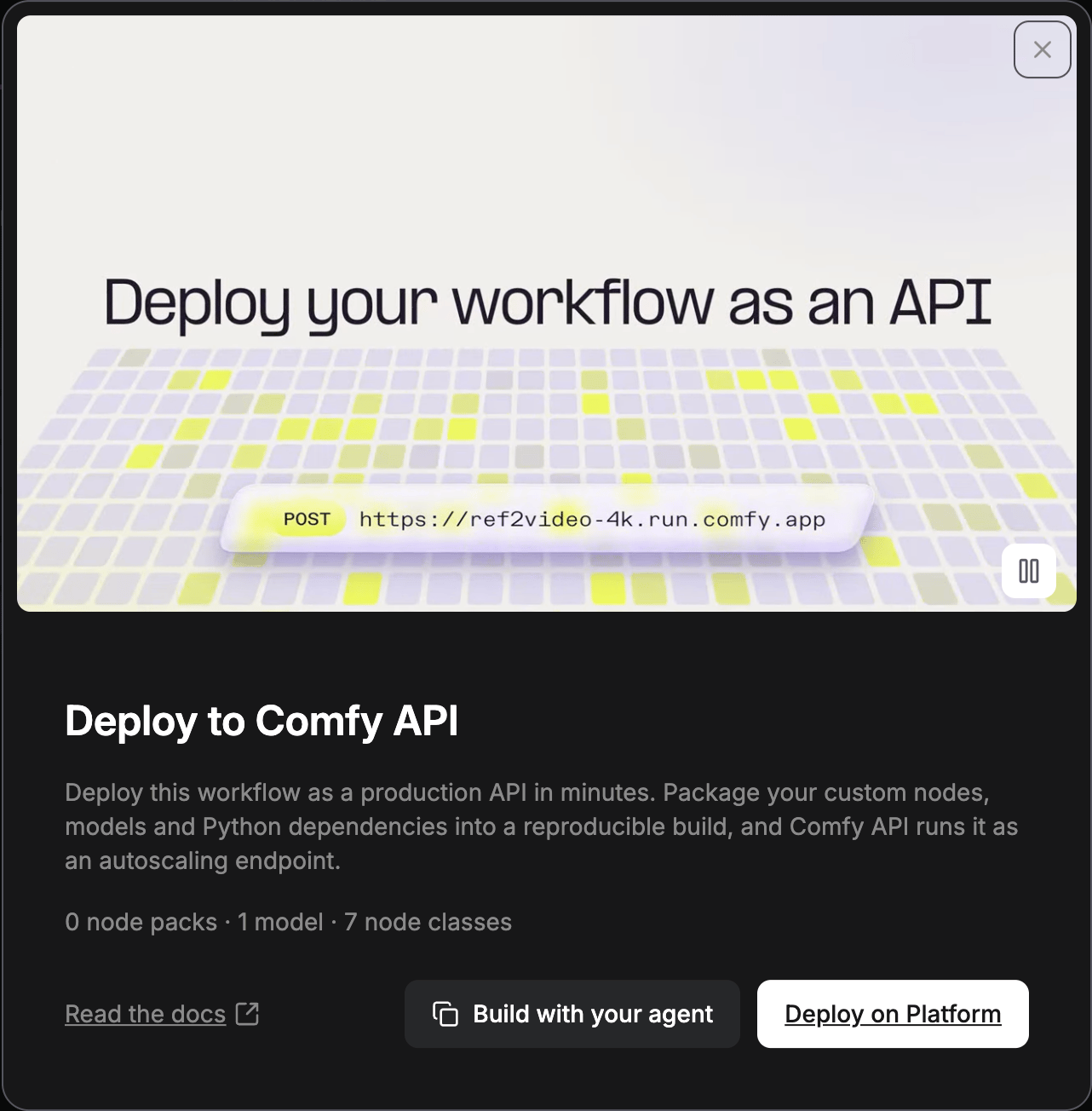
In ComfyUI on your computer or in Comfy Desktop, the Deploy to Comfy API card starts a Comfy API build from the open Workflow.
Publishing a version is free. When its build finishes, the Serverless build row shows a Deploy button. Deploying costs storage from the moment you deploy, plus GPU time while a worker is up. The deploy dialog shows the estimated cost before you confirm.
1
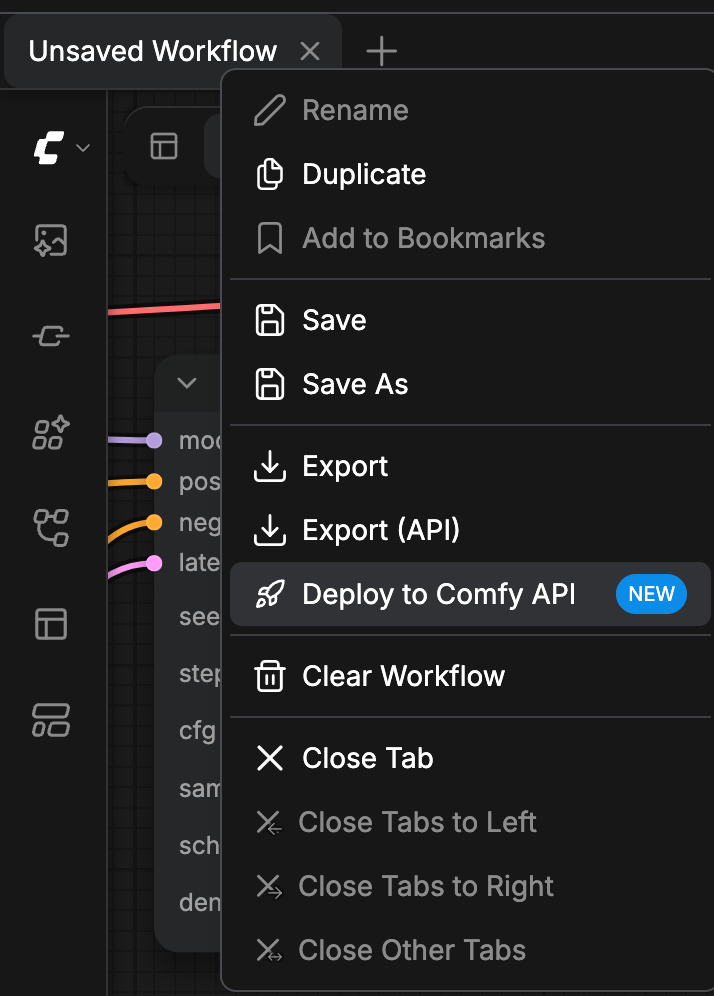
Open the Workflow actions menu
In the Top bar, right-click the Workflow’s tab. You can also click the Workflow actions button at the top left of the Canvas.
2
Select Deploy to Comfy API
Select Deploy to Comfy API. The entry is marked NEW. The Deploy to Comfy API card opens and counts the Node packs, models, and Node classes the Workflow uses.
3
Continue on the Developer Platform
Click Deploy on Platform. The Developer Platform at platform.comfy.org opens in a new tab.
On the Developer Platform, you create a build from the Workflow, publish a version, and deploy it. Build sources covers starting a build from a Workflow file, and the Comfy API quickstart covers the same flow with comfy-cli.
Run a deployment from the Cloud editor
To create a deployment from the Comfy Cloud editor, run your Workflows on it, and stop or delete it, see Adding Custom Builds to Comfy Cloud.
Run Workflows from your application
When a deployment is Ready, see Running Workflows to call it from your application. The Comfy SDKs work with Comfy Cloud and with your deployments. A self-hosted ComfyUI needs the API Proxy to serve Comfy API v2.