

What Grok Imagine Image Quality is good at
- Improved detail: higher-fidelity output than the standard Grok image model
- Better text rendering: handles prompts that include text you want rendered in the image
- Stronger creative control: more control over the generated result compared to the standard model
- Resolution options: outputs at 1K or 2K
Example outputs
Example output from the template: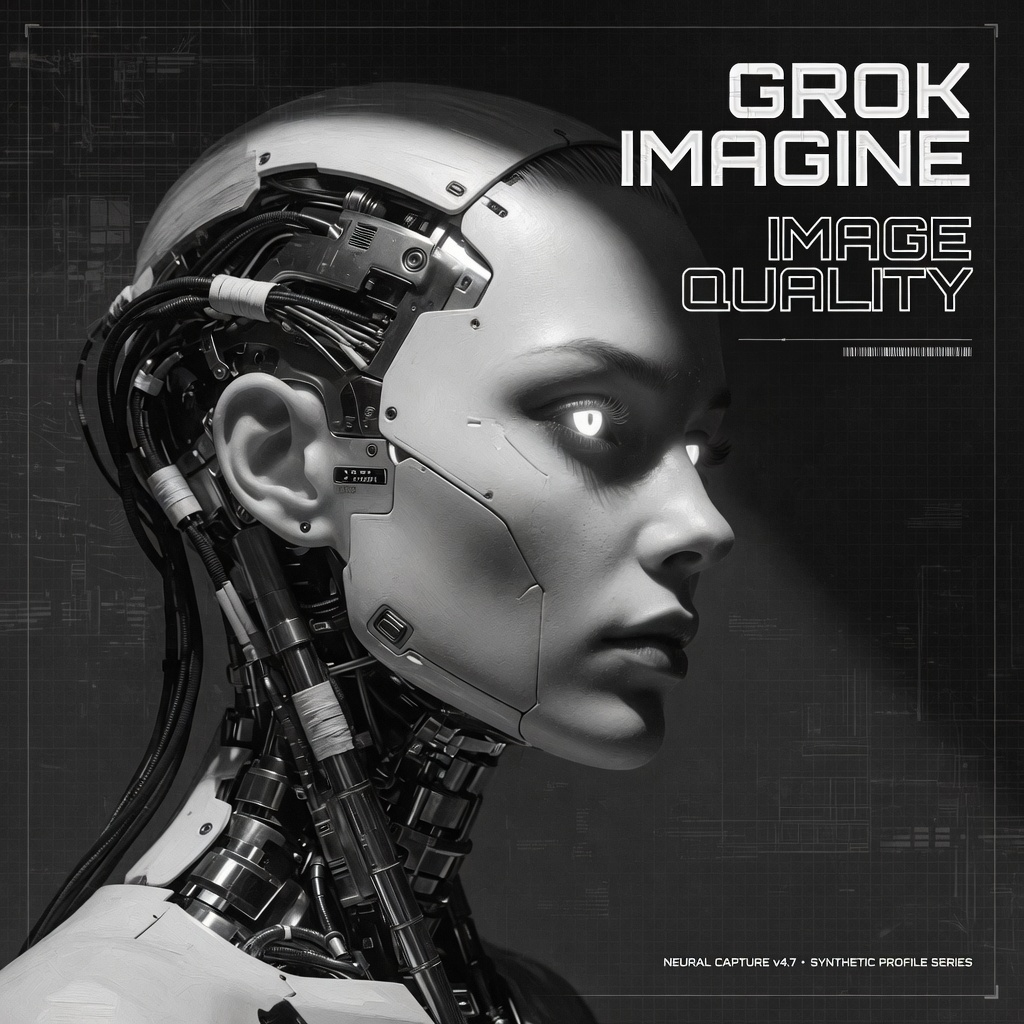
Grok Imagine Image Quality: Generation
This template still selectsgrok-imagine-image-quality. Runs are served by grok-imagine-image-2.0 at low quality.
Run on Comfy Cloud
Open in Comfy Cloud
Download Workflow
Download JSON or search “Grok Imagine Image Quality” in Template Library
Workflow overview
This workflow uses two nodes:- GrokImageNode: the core node, configured with the
grok-imagine-image-qualitymodel - SaveImage: saves the generated image
Steps to run
- Enter your prompt: describe the scene and any text you want rendered in the GrokImageNode
- Choose aspect ratio: pick from the available ratios
- Set resolution:
1Kor2K - Click Queue: press
Ctrl+Enterto generate