

ComfyUI SeedVR2 Introduction
SeedVR2 (arXiv:2506.05301, from ByteDance Seed) is a one-step diffusion-based video restoration model. It performs adversarial training against real data to restore and upscale images and videos with high fidelity. SeedVR2 is natively supported in ComfyUI (PR #14424). Key capabilities:- Conservative upscaling: preserves original structure and detail while enhancing clarity
- One-step inference: single forward pass for both image and video upscaling
- Multiple model sizes: 3B and 7B variants with FP16, FP8, INT8, NVFP4, and MXFP8 quantizations
- Both image and video: supports single-image upscaling and video resolution enhancement
Model Installation
Download the SeedVR2 checkpoint(s) from the Comfy-Org SeedVR2 repository and save them to the corresponding ComfyUI folder:- seedvr2_3b_fp16.safetensors: 3B FP16 base model, lower VRAM requirement
- seedvr2_3b_fp8_e4m3fn.safetensors: 3B FP8 quantized, further reduced VRAM
- seedvr2_3b_int8_convrot.safetensors: 3B INT8 with convrot
- seedvr2_7b_fp16.safetensors: 7B FP16 base model, higher quality
- seedvr2_7b_fp8_e4m3fn.safetensors: 7B FP8 quantized, balance of quality and VRAM
- seedvr2_7b_int8_convrot.safetensors: 7B INT8 with convrot
- seedvr2_7b_sharp_fp16.safetensors: 7B FP16 sharp variant for enhanced detail
- seedvr2_ema_vae_fp16.safetensors: VAE checkpoint (shared across all model variants)
Example Workflows
SeedVR2 3B Int8: Upscale Image
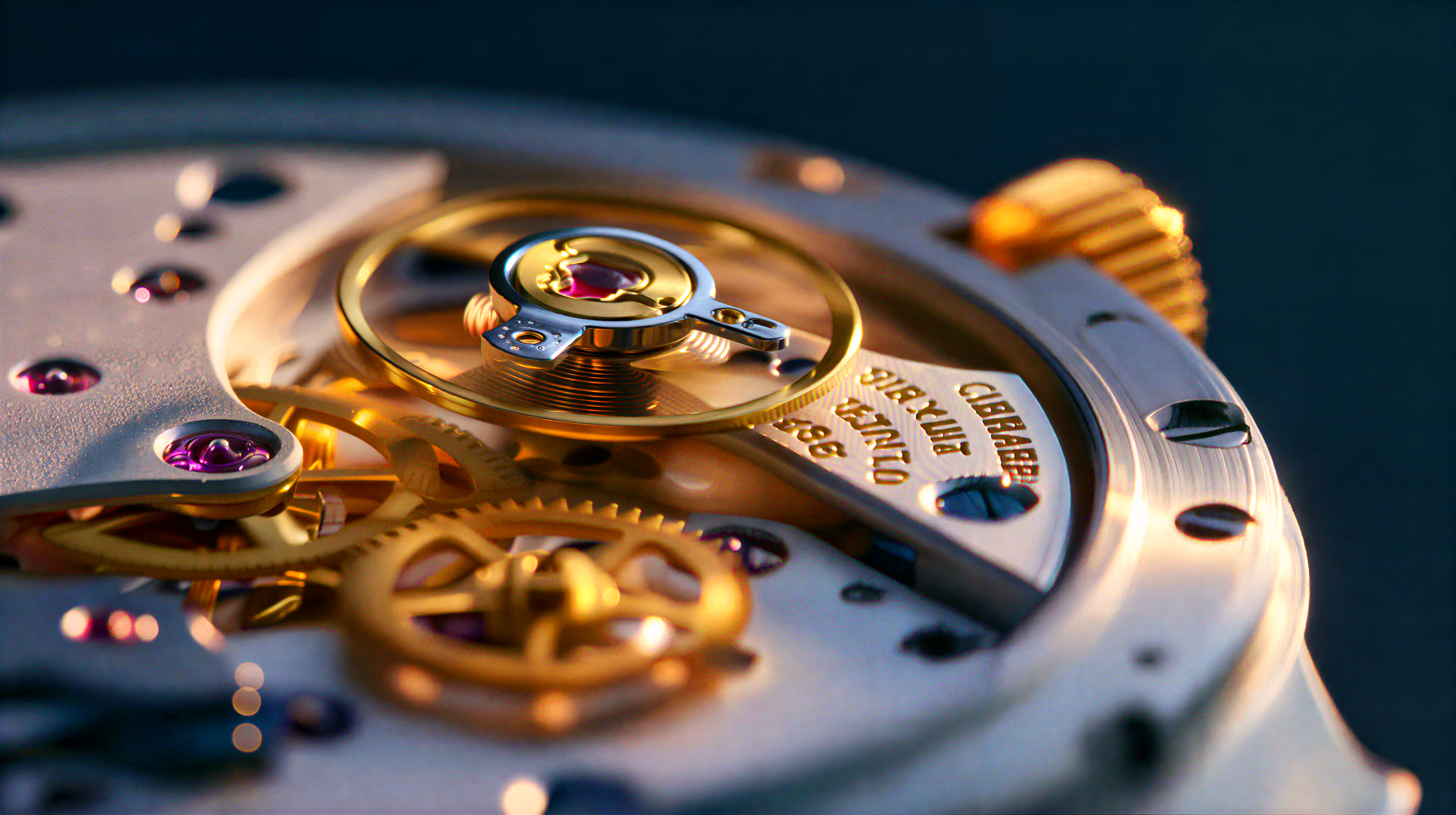
Upscale images using SeedVR2 3B Int8, a one-step diffusion-based video restoration model that produces high-quality results with improved temporal consistency.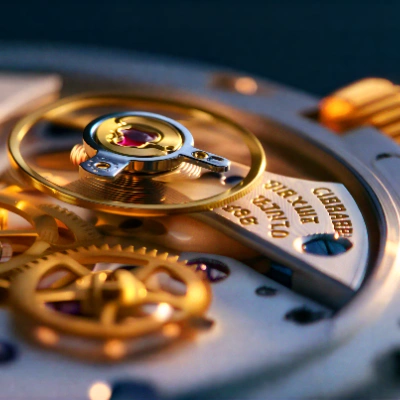
Run on Comfy Cloud
Open in Comfy Cloud
Download Workflow
Download JSON or search “SeedVR2 3B Int8: Upscale Image” in Template Library
LoadImage node:
watch_macro_shot.png
LoadImage node 1 · watch_macro_shot.png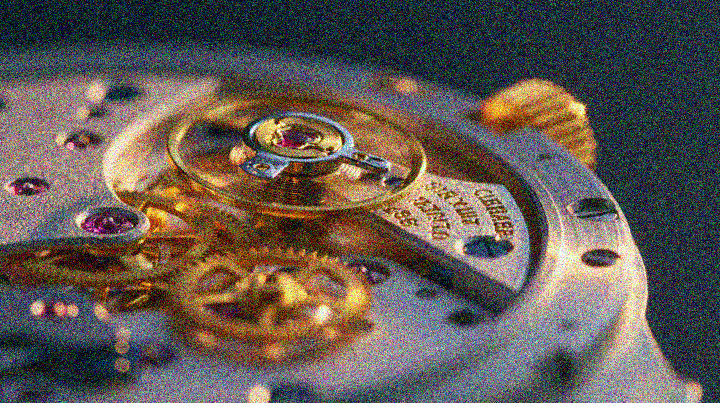
1.1 Steps to Run
- Place your image in the
ComfyUI/input/folder and select it in theLoad Imagenode - Select the
seedvr2_3b_int8_convrot.safetensorscheckpoint in the SeedVR2 model loader - Click
Queueor useCtrl(cmd) + Enterto run
SeedVR2 7B Int8: Upscale Image
Upscale images using SeedVR2 7B Int8, a one-step diffusion model that enhances resolution through adversarial training and adaptive window attention.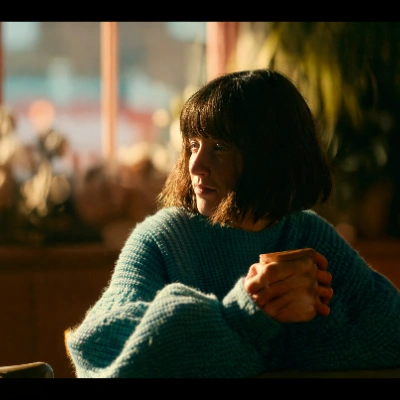
Run on Comfy Cloud
Open in Comfy Cloud
Download Workflow
Download JSON or search “SeedVR2 7B Int8: Upscale Image” in Template Library
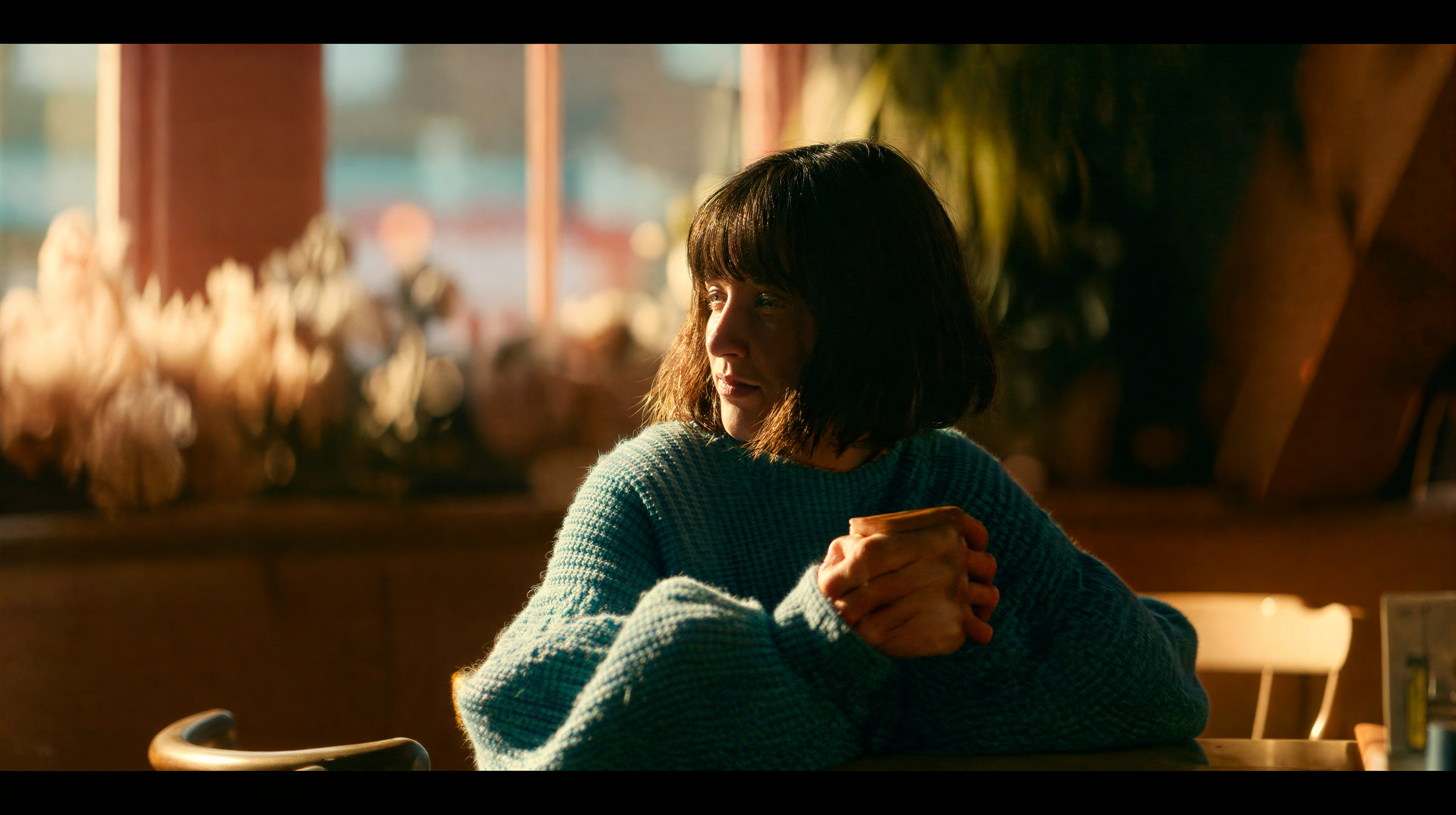
LoadImage node:
indoor_portrait.png
LoadImage node 1 · indoor_portrait.png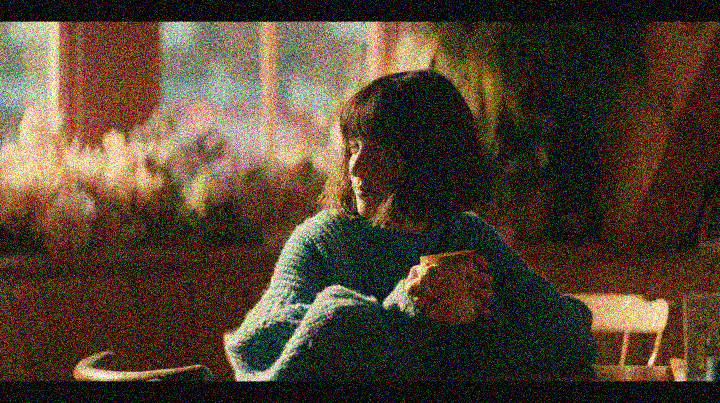
2.1 Steps to Run
- Place your image in the
ComfyUI/input/folder and select it in theLoad Imagenode - Select the
seedvr2_7b_int8_convrot.safetensorscheckpoint in the SeedVR2 model loader - Click
Queueor useCtrl(cmd) + Enterto run
SeedVR2 3B Int8: Upscale Video
Upscale and restore video footage using SeedVR2 3B Int8, a one-step diffusion model that enhances resolution while maintaining temporal consistency across frames.
Run on Comfy Cloud
Open in Comfy Cloud
Download Workflow
Download JSON or search “SeedVR2 3B Int8: Upscale Video” in Template Library
LoadVideo node:
grainy_perfume_shot_crf32.mp4
LoadVideo node 73 · grainy_perfume_shot_crf32.mp43.1 Steps to Run
- Place your video in the
ComfyUI/input/folder and select it in theLoad Videonode - Select the
seedvr2_3b_int8_convrot.safetensorscheckpoint in the SeedVR2 model loader - Click
Queueor useCtrl(cmd) + Enterto run
Performance
Higher target resolutions require more processing time. The INT8 variant provides efficient inference with reduced VRAM usage compared to FP16.Troubleshooting
The upscaled image is fully black
Attention backends can silently return black or corrupted output on quantized checkpoints. If the SeedVR2 INT8 workflows produce an all-black image, try these in order:- Run without FlashAttention: if you enabled it through
--use-flash-attentionor a custom node pack, start ComfyUI with the default attention backend and re-run. Disabling FlashAttention has resolved all-black output on the 3B and 7B INT8 workflows on an RTX 3090. - Switch the checkpoint: use the FP16 or FP8 file of the same size. If those render correctly, the INT8 quantization path is where it breaks.
- Verify the files: the diffusion model and
seedvr2_ema_vae_fp16.safetensorsmust both be fully downloaded and placed as shown in Model Installation. A truncated download fails the same way. - Disable the live preview: in some cases only the preview is black while the saved file is correct, so turning the live preview off removes the ambiguity.
Community Resources
- SeedVR2 Project Page: Official project website
- ByteDance SeedVR Codebase (GitHub): Original research code and paper
- Comfy-Org/SeedVR2 (HuggingFace): Official ComfyUI model weights
- ByteDance-Seed/SeedVR2-3B (HuggingFace): Original 3B model weights
- ByteDance-Seed/SeedVR2-7B (HuggingFace): Original 7B model weights
- Paper (arXiv)